

Short answer: An incident response plan for a small business is a short, written playbook that says who to call, what to shut off, what to save and who to notify when something goes wrong, such as a phishing click, a hacked mailbox, a ransomware screen or a fake wire transfer. It should fit on a few pages, list real names and phone numbers, and be tested at least once a year with a 30-minute tabletop exercise.
Most small offices don’t have one. When an incident hits, people lose the first hour figuring out who’s in charge, whether to unplug anything, and whether to call the bank or IT first. That hour matters. This guide walks through what to put in your plan, a simple template you can copy, and the Virginia rules to know if personal information is exposed.
Why a small business needs a written plan
Attackers don’t only go after big companies. In its 2025 Internet Crime Report, the FBI’s Internet Crime Complaint Center (IC3) listed phishing and spoofing as the most-reported crime type, with 191,561 complaints, and recorded about $3.05 billion in reported losses from business email compromise (BEC). In an earlier public service announcement on BEC, the FBI says the scam targets everyone from “small local businesses to larger corporations.”
A written plan doesn’t stop every attack. What it does is cut the time between “something looks wrong” and the right person taking the right step. For a wire fraud case, the FBI says “time is of the essence.” For a hacked account, every hour it stays open is another hour of emails sent in your name.
What the official guidance says
You don’t need to invent your plan from scratch. Two free U.S. government sources cover most of what a small business needs:
- NIST SP 800-61 Revision 3. In April 2025, the National Institute of Standards and Technology published SP 800-61 Rev. 3, its updated incident response guidance. It ties incident response to the NIST Cybersecurity Framework (CSF) 2.0, so preparing, detecting, responding and recovering are treated as part of everyday risk management, not a separate binder on a shelf.
- The FTC’s data breach guide. The Federal Trade Commission’s Data Breach Response: A Guide for Business lays out what to do after personal information is exposed: secure your operations, fix vulnerabilities and notify the right parties.
The template below turns that guidance into something a 10- or 40-person office can actually use.
The 7 parts of a small business incident response plan
1. A response team with names and phone numbers
List who does what, with a backup for each role:
- Incident lead: usually the owner, managing partner or executive director. Makes the calls.
- IT contact: your internal IT person or managed IT provider.
- Finance contact: the person who can call the bank and stop payments.
- Legal and insurance: your attorney and your cyber insurance carrier’s claims line, if you have a policy.
- Communications: who speaks to staff, clients and, if needed, the press.
Write personal cell numbers, not just work email. If your email is the thing that’s compromised, you can’t rely on it to coordinate.
2. What counts as an incident
Give staff simple examples so they report early instead of hoping it goes away:
- Someone clicked a link or entered a password on a suspicious page.
- A mailbox is sending messages the owner didn’t write, or has new forwarding rules.
- A vendor or client says your “new bank details” email looks odd.
- Files won’t open, have strange extensions, or a ransom note appears.
- A laptop or phone with company data is lost or stolen.
Make one rule clear: report it right away, and no one gets in trouble for reporting. Our guide on what to do if you click a phishing link is a good one-page handout for staff.
3. First-hour steps (contain, don’t destroy)
The FTC’s advice is to take affected equipment offline right away, but not to turn machines off until forensic experts say so, and not to destroy evidence. In practice, for a small office:
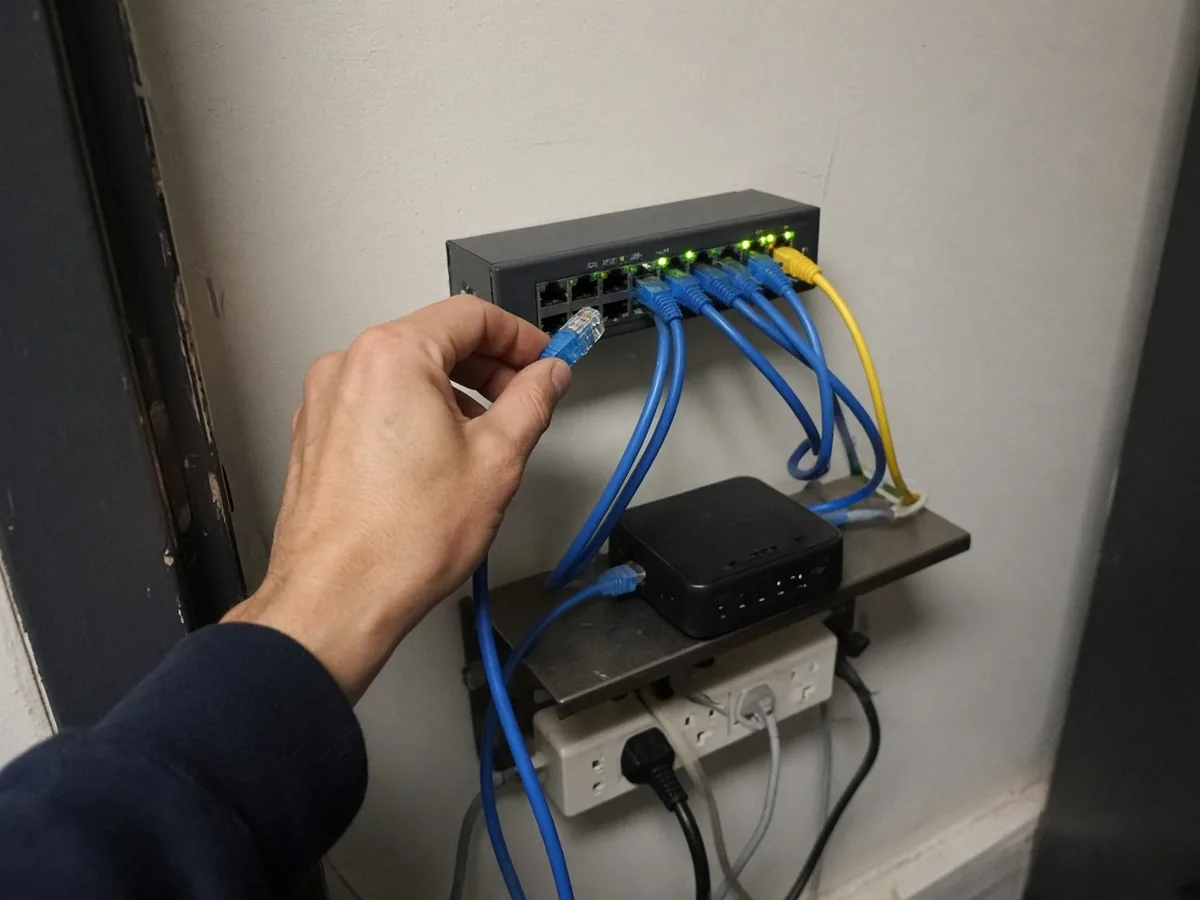
- Disconnect, don’t power off. Unplug the network cable or turn off Wi-Fi on the affected computer. Leave it on.
- Reset the affected passwords from a clean device, and sign the user out of all sessions.
- Check for new email rules and forwarding on the affected mailbox. Attackers often add rules that hide replies or forward mail outside.
- Call your IT contact and start a simple written log: time, what happened, who did what.
- Don’t wipe or reinstall anything yet. Logs and the machine itself may be needed to find out what was taken.
4. Payment and wire fraud steps
If money was sent to the wrong account, this is the most time-sensitive part of the plan. The FBI’s guidance is to:
- Call your bank immediately and ask for a recall of the funds.
- File a complaint at ic3.gov as soon as possible, whatever the amount. The FBI says IC3 may be able to help banks and law enforcement freeze funds.
Put your bank’s fraud phone number in the plan now. Don’t look it up from an email during an incident.
5. Who to notify, and when
Depending on what happened, you may need to tell:
- Your cyber insurance carrier. Many policies have reporting rules, and some require you to use their approved vendors. Read your policy now.
- Law enforcement. The FTC recommends reporting to local police, and if they aren’t familiar with this kind of case, the local FBI field office or the U.S. Secret Service. Online fraud and BEC can also be reported to IC3.
- Clients, vendors and partners, if their data or payments may be affected.
- Affected individuals and regulators, if personal information was exposed (see the Virginia section below).
Medical and dental practices also have HIPAA breach notification duties, which the FTC points to in its guide. Talk to your attorney before sending any notice.
6. Recovery
Recovery means getting back to normal safely, not just quickly:
- Restore from known-good backups, not from files that may be infected. If you aren’t sure your backups would work, review our backup and recovery services page.
- Patch whatever let the attacker in, and turn on multifactor authentication (MFA) anywhere it was missing.
- Review who has admin access and remove anything that isn’t needed.
- Watch the affected accounts closely for the next few weeks.
7. Lessons learned
Within a week or two, sit down and answer three questions: What happened? What slowed us down? What will we change? Then update the plan. NIST’s Rev. 3 treats this feedback loop as part of incident response itself.
Virginia’s data breach notification law in plain English
Virginia’s breach law is Va. Code § 18.2-186.6. In short, if unencrypted personal information of a Virginia resident is accessed and acquired by an unauthorized person, and it causes, or is reasonably believed to cause, identity theft or other fraud, the business that owns the data must notify the Office of the Attorney General and the affected Virginia residents “without unreasonable delay.”
A few points small businesses often miss:
- “Personal information” under the law means a person’s name together with things like a Social Security number, driver’s license or state ID number, passport number, military ID number, or a financial account or card number with the code needed to access it.
- Encryption matters. The law is about unencrypted or unredacted data. Encrypting laptops and sensitive files can change your obligations.
- Large notices have extra steps. If you notify more than 1,000 people at once, you must also tell the Attorney General’s office and the nationwide consumer reporting agencies about the timing, distribution and content of the notice.
- Penalties can be real. The Attorney General can impose a civil penalty of up to $150,000 per breach, or per series of similar breaches found in one investigation.
The FTC notes that every state, plus the District of Columbia, has its own breach notification law (see our guide to the DC data breach notification law). If you have clients or staff in DC or Maryland, ask your attorney which rules apply. This section is a plain-language summary, not legal advice.
A simple incident response plan template
Copy this into a two-page document and fill in the blanks:

| Section | What to write |
|---|---|
| Response team | Incident lead, IT contact, finance contact, legal, insurance, communications. Names, cell numbers and a backup for each. |
| Reporting | “If you see something odd, call [name] at [number] right away. You won’t get in trouble for reporting.” |
| First hour | Disconnect (don’t power off), reset passwords from a clean device, check mailbox rules, call IT, start a log. |
| Money moved | Call [bank] fraud line at [number], request a recall, file at ic3.gov. |
| Notifications | Insurance claims line, police and FBI, clients, attorney. Virginia AG if personal information is exposed. |
| Recovery | Restore from backups, patch, enable MFA, review admin access. |
| Review | Lessons-learned meeting within two weeks. Update this plan. Test it every year. |
Store a printed copy and a copy outside your main email and file system, so you can reach it even if your network is down.
Test it with a 30-minute tabletop exercise
A plan you’ve never practiced will have gaps. A tabletop exercise is a short meeting where you walk through a made-up scenario and talk through what each person would do. CISA offers free Tabletop Exercise Packages with ready-made scenarios, including ransomware and insider threats, plus discussion questions.
Good starter scenarios for a small office:
- The office manager gets an email from a “vendor” with new bank details for a $25,000 invoice. What happens next?
- On Monday morning, three computers show a ransom note. Who do you call first?
- Your managing partner’s mailbox starts sending invoices to clients. How do you find out what else was sent?
Write down every question nobody could answer. Those are your plan’s to-do items.
How Xala Tech Services can help
Xala Tech Services is a managed IT provider based in Fairfax, Virginia, serving businesses and nonprofits across the DC Metro area since 2020. Our cybersecurity services team can help you write a plan that fits your office, set up the protections that make incidents less likely, and make sure your backups actually restore.
A good first step is locking down Microsoft 365, since email is where many incidents start. Our Microsoft 365 security checklist covers the key settings. If your organization handles regulated data, see our governance and compliance services, and nonprofits can learn more on our nonprofit IT page.
Get a free Microsoft 365 security scan (normally $1,500). Call (703) 340-1110 or contact us to book yours. Existing clients with an active incident should call us right away.
Frequently asked questions
What should a small business incident response plan include?
A small business incident response plan should list a response team with names and cell numbers, simple examples of what counts as an incident, first-hour containment steps, steps for wire or payment fraud, who to notify and when, how to recover from backups, and a lessons-learned review. Keep it to a few pages and store a copy outside your main email and file system.
What is the first thing to do after a cyberattack?
Disconnect the affected computer from the network but leave it powered on, reset the affected passwords from a clean device, and call your IT contact. If money was sent to the wrong account, call your bank right away to request a recall and file a complaint at ic3.gov. Don’t wipe or reinstall anything until you know what happened.
Do Virginia businesses have to report a data breach?
Yes, in many cases. Under Va. Code § 18.2-186.6, if unencrypted personal information of a Virginia resident is accessed and acquired by an unauthorized person and it causes, or is reasonably believed to cause, identity theft or other fraud, the business must notify the Virginia Office of the Attorney General and affected residents without unreasonable delay. Talk to your attorney about your specific situation.
How often should we test our incident response plan?
Test it at least once a year with a short tabletop exercise, and update it whenever key people, vendors, insurance or systems change. CISA offers free Tabletop Exercise Packages with ready-made scenarios, such as ransomware, that small teams can run in about 30 minutes.